

Getting your medication schedule right isn’t just about setting an alarm. It’s about reading the small print on the label and turning it into a daily rhythm that keeps you safe. Many people think a reminder app that beeps at 8 AM and 8 PM is enough. But if your pill says "take with food" and you’re taking it on an empty stomach, or if you’re supposed to wait two hours between two drugs but your app doesn’t know that-you’re risking side effects, reduced effectiveness, or even an overdose. The truth is, medication labels hold the key to accurate reminders. And if you’re not using that information, you’re leaving safety on the table.
What’s Really on Your Prescription Label?
Your prescription label isn’t just a name and a number. It’s a detailed instruction manual written by your pharmacist and approved by the FDA. Every line matters. Look for these six critical pieces of information:- Dosage form: Is it a tablet, capsule, liquid, or patch? This affects how you take it and when.
- Active ingredient and strength: "Amoxicillin 500mg" isn’t the same as "Amoxicillin 875mg". Getting this wrong can be dangerous.
- Frequency: "Take one tablet every 8 hours" means three times a day, spaced evenly-not just at breakfast, lunch, and dinner.
- Food instructions: "Take on an empty stomach" or "Take with food" changes how your body absorbs the drug. Missing this can reduce effectiveness or cause nausea.
- Minimum interval between doses: Some drugs say "Do not take more than one dose every 6 hours." That’s not a suggestion-it’s a safety rule.
- Drug interaction warnings: "Avoid antacids within 2 hours" or "Do not take with grapefruit juice"-these aren’t footnotes. They’re critical.
Studies show that 78.3% of timing-related medication errors happen because people ignore or misunderstand these details. A 2024 study in npj Digital Medicine found that modern AI systems can scan a label with 98.7% accuracy using optical character recognition. But even if you’re not using an app, you need to read the label like a checklist-every time you refill.
Why Basic Alarms Fail
Simple alarm apps-like the ones built into your phone or cheap reminder tools-don’t understand medication labels. They just beep at fixed times. That’s why they’re risky.Imagine you’re on three medications:
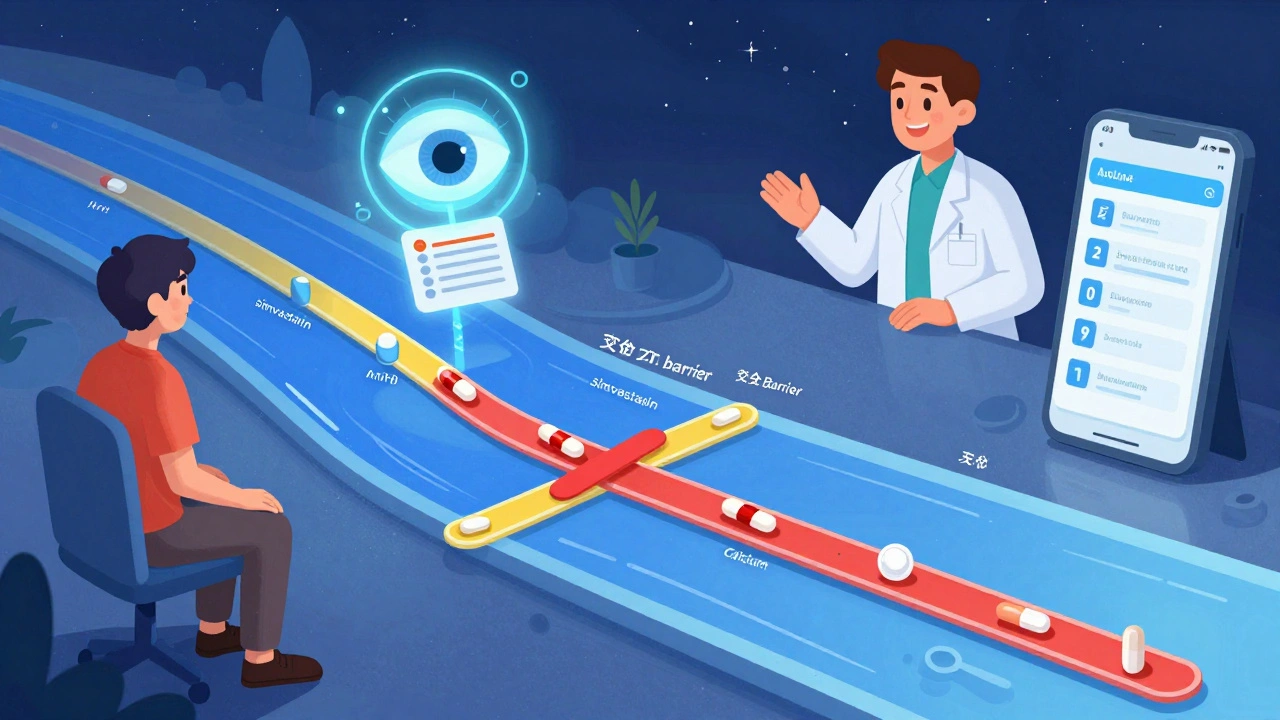
- Warfarin (blood thinner): Must be taken at the same time every day, no food interference
- Simvastatin (cholesterol): Must be taken at night
- Calcium supplement: Must be taken at least 4 hours apart from your thyroid pill
A basic app might remind you to take all three at 8 PM. But that’s wrong. Taking calcium and thyroid meds together can block absorption. Taking simvastatin with food reduces its effect. And warfarin needs consistency-no matter what time, as long as it’s the same time every day.
A 2024 analysis in the Journal of Medical Systems compared 12 apps. Those that ignored label details had 63.2% more timing errors than apps that used label data. In one case, a patient on a generic app took two doses of an antibiotic 4 hours apart-when the label said "every 8 hours." The result? Severe nausea and a trip to the ER.
Basic alarms don’t prevent mistakes. They just remind you to make them faster.
How Advanced Systems Use Label Data
The best medication reminder systems don’t just remind you-they interpret. Platforms like Medisafe, MyTherapy, and Epic’s MyChart use label information to build smart schedules. Here’s how:- Scan or enter the label: You take a photo of the prescription bottle or manually input the details. Modern OCR tools read the text even if the label is faded or small.
- Convert text to rules: The system turns "take one tablet every 8 hours" into three reminders spaced 8 hours apart, avoiding times like 2 AM if you’ve set sleep hours.
- Check for interactions: If you’re taking two drugs that shouldn’t be taken together, the system shifts one dose by 2-4 hours. For example, it might move your iron supplement to 10 AM if your thyroid pill is at 7 AM.
- Factor in food: It won’t remind you to take "take with food" meds at 6 AM if you haven’t eaten. Some apps even sync with your calendar to check meal times.
- Adjust for real life: If you miss a dose, it recalculates the next one instead of just repeating the same time.
According to a 2024 study in PMC11247871, these systems boost adherence to 82.4% among people with chronic conditions-compared to 58.7% for basic apps. That’s not a small difference. It’s the difference between staying out of the hospital and ending up there.
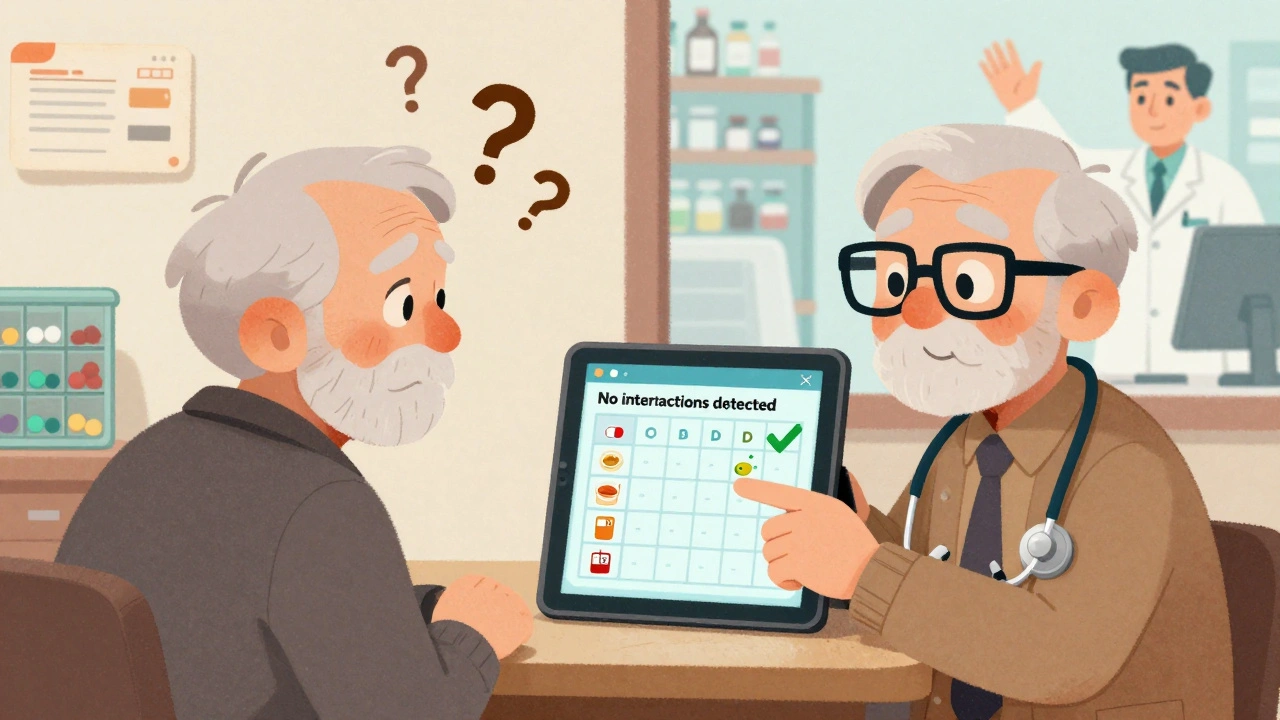
What to Look for in a Medication Reminder App
Not all apps are created equal. Here’s what to check before you download one:- Does it accept label input? Can you scan a barcode, take a photo, or paste the label text?
- Does it understand food and timing rules? Look for options to set "take with food" or "minimum interval between doses" as separate fields.
- Does it flag drug interactions? When you add a new medication, does it warn you about conflicts with what you’re already taking?
- Does it sync with your pharmacy or EHR? Apps linked to your pharmacy (like CVS or Walgreens) or your doctor’s system (like MyChart) pull labels automatically-no manual entry needed.
- Is it used by healthcare providers? Apps like Medisafe and MyTherapy are used in hospitals and clinics. If a doctor recommends it, that’s a good sign.
A 2024 survey by HIMSS found that 43.7% of healthcare providers now recommend apps that use label data-up from 28.4% just two years ago. That’s because they’ve seen the results: fewer calls from confused patients, fewer emergency visits, and better lab results.
When the Label Doesn’t Make Sense
Sometimes, the label is unclear. Generic drugs often use vague language like "take as directed" or "take twice daily." That’s not helpful. Or the font is too small. Or the label is printed on a glossy sticker that smudges.Here’s what to do:
- Call your pharmacist. They’re trained to decode these labels. Ask: "What does this mean for timing? Should I take it with food? Is there a minimum gap between doses?"
- Ask your doctor for a written schedule. Many will give you a printed sheet with exact times and instructions-especially if you’re on five or more meds.
- Use a pill organizer with time slots. Even if your app is off, a physical organizer with labeled compartments (Morning, Afternoon, Evening, Night) adds a backup layer of safety.
Research shows that 22.4% of generic drug labels have ambiguous wording. And 18.7% of patients need personalized adjustments not on the label-like taking a pill earlier because of work shifts or avoiding a dose if they’re fasting. Don’t assume the label is perfect. Always double-check.
Real People, Real Results
On Reddit’s r/medicationadherence, a user named Mark shared how his app changed his life:"I was on 7 meds. The label for my blood pressure pill said 'take once daily, preferably in the morning.' My old app just reminded me at 8 AM. But I work nights. I’d fall asleep and miss it. The new app asked me my schedule. I told it I sleep from 8 AM to 4 PM. It moved my reminder to 5 PM. It also flagged that my cholesterol pill had to be 4 hours apart from my thyroid pill. I didn’t know that. Now I take them at 5 PM and 9 PM. My BP is stable for the first time in 3 years."
Another user on Trustpilot wrote about CareZone: "It reads my prescription labels and automatically sets reminders with the correct intervals between my blood pressure meds and diabetes drugs, which my doctor said was critical but I never understood from the paper labels."
Meanwhile, seniors over 65 are seeing the biggest gains. A 2024 AARP survey found that 76.4% of older adults improved adherence when reminders included phrases like "take with breakfast" instead of just "8 AM." Visual timelines and simple language made the difference.
What’s Next for Medication Reminders
The field is moving fast. In 2024, the FDA approved the first AI system that uses camera tech to verify you actually swallowed your pill-not just that you opened the bottle. Epic Systems is rolling out "PharmaGuide" in early 2025, which will auto-populate your reminder schedule from your electronic health record. By 2027, experts predict 92.4% of apps will use label data as standard.But here’s the catch: technology won’t fix everything. The most effective systems combine smart software with human oversight. A 2024 study from the University of Pittsburgh Medical Center found that when pharmacists reviewed the schedules generated by AI, adherence jumped to 89.3%. That’s the gold standard.
You don’t need the fanciest app. You need to treat your label like a legal document. Read it. Understand it. Use it. And if something doesn’t make sense-ask. Your life depends on it.
Can I just use my phone’s alarm app for my medications?
You can, but it’s risky. Phone alarms don’t know if your pill needs to be taken with food, how far apart doses should be, or if it interacts with another drug. A 2024 study found alarm apps had 63.2% more timing errors than apps that use label information. If you’re on multiple meds or have a chronic condition, use a dedicated medication app.
What if my prescription label is hard to read?
Don’t guess. Call your pharmacist or doctor and ask them to clarify. You can also ask for a printed dosing schedule. Many pharmacies now offer printed summaries with clear times and instructions. If you’re using an app, take a photo of the label and upload it-most apps can enhance faded text.
Do I need to enter every medication manually?
No. If you get your prescriptions from a pharmacy linked to your app (like CVS, Walgreens, or through your doctor’s MyChart system), the app can pull your meds automatically. Just connect your account. If not, scanning the label with your phone’s camera is faster than typing.
How do I know if my app is using label information correctly?
Check if the app lets you set food instructions, minimum intervals, and interaction warnings. If you can only set a time and frequency, it’s not using label data. Look for features like "auto-detect label" or "drug interaction check." Apps like Medisafe and MyTherapy do this. If you’re unsure, ask your pharmacist to review your schedule in the app.
Are these apps safe for older adults?
Yes-especially if they use simple language and visual schedules. A 2024 AARP survey found that 76.4% of seniors improved adherence when reminders used phrases like "take with breakfast" instead of just "8 AM." Choose apps with large text, clear icons, and voice reminders. Many also let family members receive alerts if a dose is missed.
Next Steps to Get Started
1. Grab your most recent prescription label. Don’t use an old one-medications change. 2. Write down the six key details: dosage, frequency, food rule, interval, interaction warning, and active ingredient. 3. Download a label-aware app like Medisafe, MyTherapy, or CareZone. Connect it to your pharmacy if possible. 4. Enter your meds using the label. Don’t skip the food and interval settings. 5. Ask your pharmacist to review your schedule. They’ll catch things you might miss. 6. Set up a backup. Use a pill organizer with time slots as a physical safety net.Medication safety isn’t about technology. It’s about attention. The label already has the answers. You just need to read it-and use it.



15 Comments